


EASY4PRO: THE SOFTWARE FOR EYEWEAR PHOTOGRAPHY, VIDEOS AND 3D ANIMATIONS

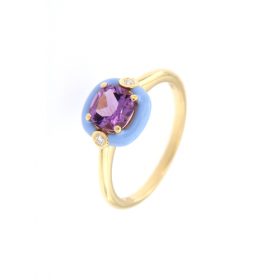
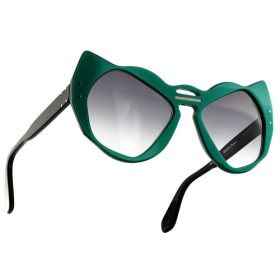
Easy4Pro is the professional software for eyewear photography and product content creation, designed to showcase products both in person and online, capture professional still-life photographs, create eyewear videos and interactive 3D animations. It now also features innovative graphic tools powered by Artificial Intelligence.

Book a free online demonstration

One of our experts will show you the photography system and answer all your questions.
The free, no-obligation demonstration lasts approximately half an hour.

WHAT YOU CAN DO WITH EASY4PRO

Learn more
Learn more
Learn more

SHOWCASE EYEWEAR REMOTELY WITH EASY4PRO

easy4pro videocall occhiali

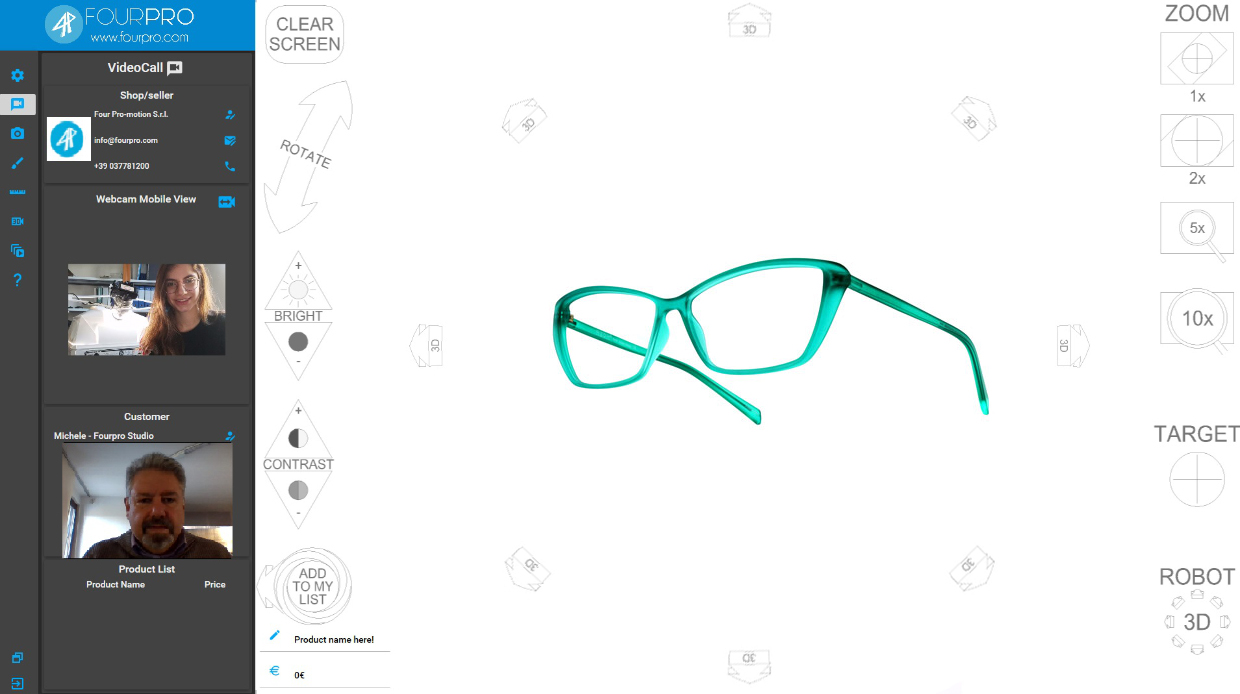
Easy4Pro’s Live Shopping feature lets you showcase the collections displayed in your store remotely, allowing customers to choose products as if they were in the shop and examine them in detail.
The Live Shopping section of the Easy4Pro software (also available separately) allows you to:

  • display three camera feeds: show the customer and the optician via webcam, while presenting the product in large format using a camera remotely controlled by the software
  • showcase the eyewear: display the glasses in detail by placing them inside the Studio4 Eyewear Pro and Pro 3D (sold together with the Easy4Pro software), using the features available in the software
  • showcase the store: use your smartphone to show your shop, move around the premises and let customers choose which glasses they want to examine
  • record products for the order: when a customer is interested in one of your products, you can enter the item name and price to record the information and complete the sale
    The Live Shopping feature is available separately or included in the Easy4Pro software, which also lets you take photographs and create videos and interactive 3D animations of your products.

Revolutionise the way you sell remotely!

LIVE SHOPPING


EASY4PRO PHOTOGRAPHY FEATURES

Configure your camera directly from your computer and view the shot preview in the software.

Add a shadow beneath the product or duplicate and reflect it, for example, to create photos of
earrings

Select a 1:1 scale cropping area to preserve information about the product’s actual dimensions

Save your photos in all the formats you need with a single click, ready for use in catalogues, websites and other
platforms.

Measure products photographed with Studio4 and save the images with measurements in mm.

Position the product in the centre of the frame and in exactly the same position as in a previous photo.

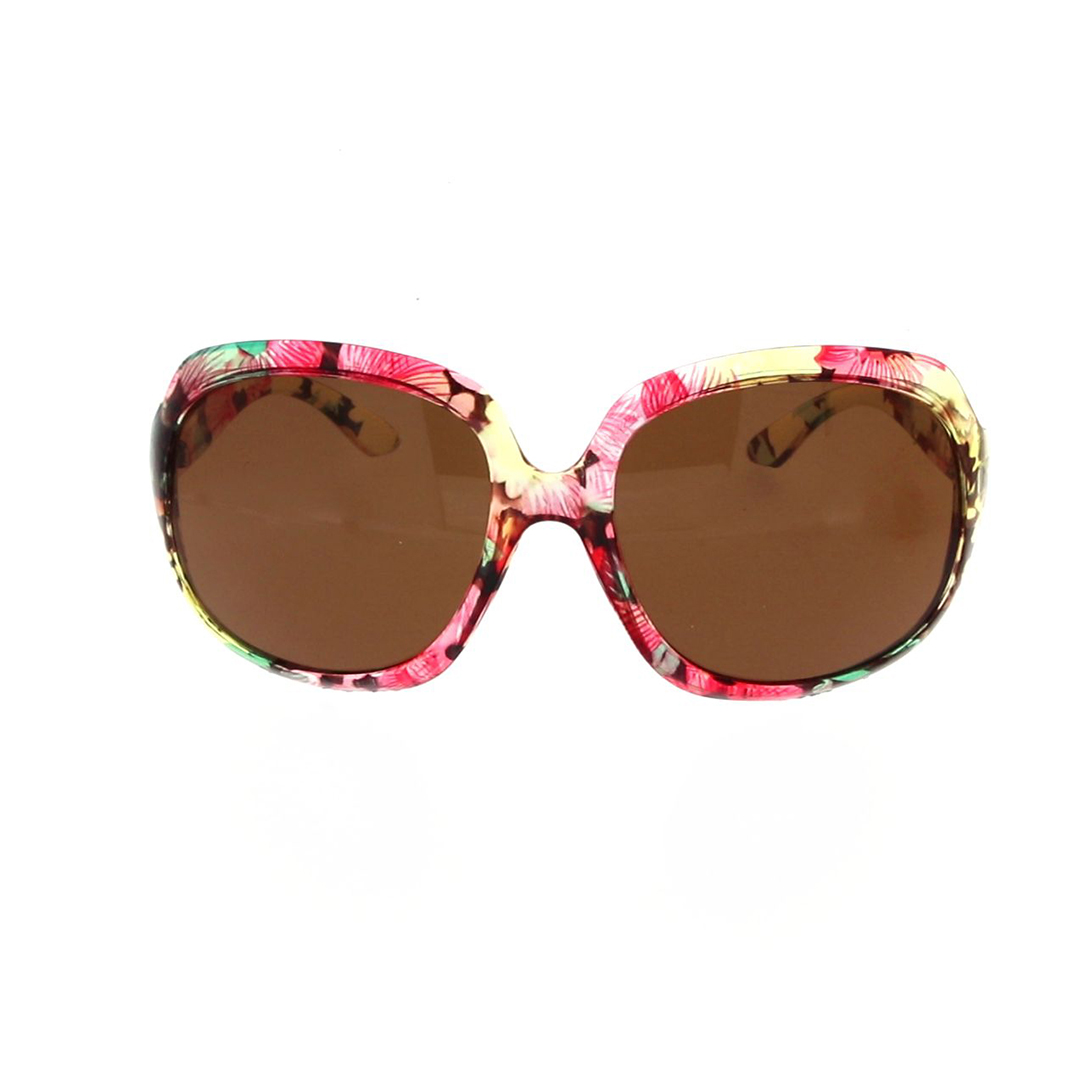
Get photos with a perfect white background (R:255, G:255, B:255), ideal for e-commerce and catalogues.

Make the background transparent or use a different photo as the background to create a collage

Select multiple focus distances and the software will automatically create a completely
sharp photo.

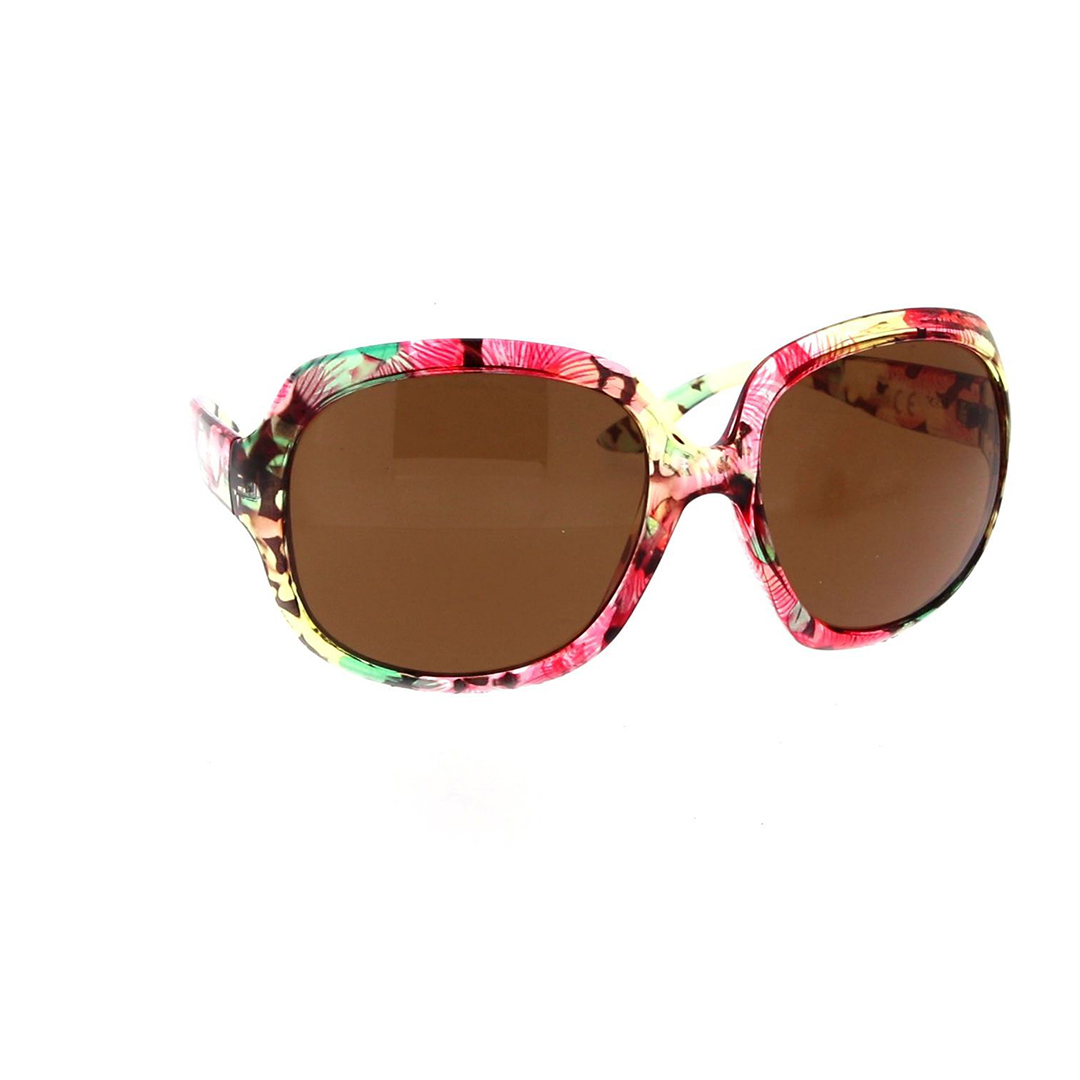
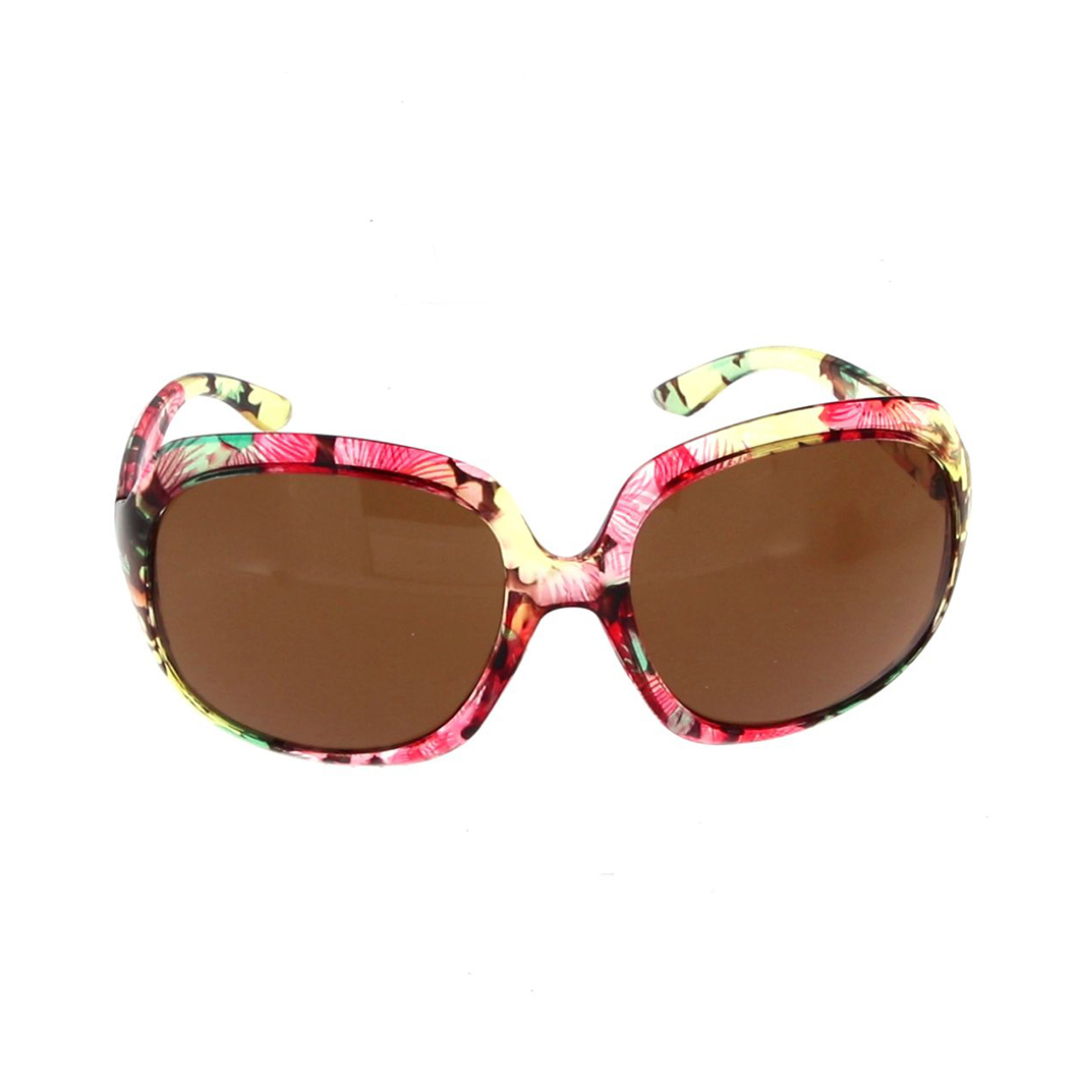
Take photos of the product as it rotates, showing it from different angles and
perspectives.

NEW CREATIVE AI FEATURES

Enhance your photo by correcting product imperfections and replacing the background with one of your choice.

Enhance multiple photos with a single click, removing imperfections or changing the background.

Create your own customised top model and all the poses you need to promote your jewellery.

Select the virtual top model, the pose and the product you want to showcase to achieve a realistic result.


BUT PHOTOGRAPHY IS JUST THE BEGINNING

Studio4 Eyewear Pro 3D adds the ability to create videos to still-life photography, allowing you to produce
dynamic product videos and interactive 3D animations. Multiple movements and synchronised rotations make it possible to showcase eyewear from different angles, highlighting its details and creating engaging content for e-commerce, social media, catalogues, trade shows, exhibitions and promotional campaigns.
Using the Easy4Pro software, you can create videos based on 4 movements:
• rotation of the motorised turntable, controlled by the software, which rotates the product
horizontally through 360°
• rotation of the motorised rotating arm, controlled by the software, which rotates the camera vertically through 180°
• rotation of the camera viewpoint to show the glasses as if they were being worn
• zoom in / zoom out on the glasses
These four movements can also be combined to create complex 3D animations that
simulate the rotation of the glasses on the face

your 360 images
Studio4 Eyewear Pro 3D

THIS 3D ANIMATION IS THE RESULT OF COMBINING 3 MOVEMENTS:

TURNTABLE

A simple 360° horizontal rotation, particularly useful for highly three-dimensional objects.

your 360 images

CAMERA ROTATION

Rotating the camera around its own axis makes it possible to adjust the orientation of objects in complex animations.

your 360 images

ROTATING ARM

An exclusive rotating-arm movement that only the Studio4 Eyewear Pro 3D can achieve, thanks to its motorised arm.

your 360 images

Click the image to move the object or zoom in using your mouse wheel

TURNTABLE

A simple 360° horizontal rotation, particularly useful for highly three-dimensional objects.

your 360 images

Tap the image to move the object or zoom in

CAMERA ROTATION

Rotating the camera around its own axis makes it possible to adjust the orientation of objects in complex animations.

your 360 images

Tap the image to move the object or zoom in

ROTATING ARM

An exclusive rotating-arm movement that only the Studio4 Eyewear Pro 3D can achieve, thanks to its motorised arm.

your 360 images

Tap the image to move the object or zoom in

VIDEO CATALOGUES: FROM PRODUCT TO PUBLICATION-READY CONTENT

With Easy4Pro 6.0, included with the Studio4 family of systems — Jewels, Eyewear, Shoes & Bags — 3D product footage can be automatically transformed into video catalogues and reels ready to be published on your social media channels or displayed on AlsoOnYourPhone panels. Products are filmed with synchronised movements across multiple axes, combining rotation, tilt and zoom to create dynamic videos that showcase their shapes and details from every angle. The individual videos are then automatically assembled into a continuous, looping vertical video, enhanced with a customisable background and the brand’s opening and closing content. No editing. No external post-production. One shooting session gives you content ready for social media, e-commerce, trade shows and presentations. Discover AlsoOnYourPhone: the display panel system for showcasing video catalogues.

AlsoOnYourPhone is a reconfigurable display panel system that showcases physical products alongside digital content and interacts with customers’ smartphones.
Its distinctive link buttons allow visitors to interact with products, information, videos and digital content directly from the panel, then continue the experience on their own smartphones. The system can combine real products, virtual content, augmented reality, screens and touchscreens, becoming a tool for displaying, telling stories, connecting and selling. Ideal for trade shows, showrooms, boutiques, events, retail stores, museums and exhibitions, AlsoOnYourPhone takes content beyond the traditional display space and makes it instantly personal, interactive and portable.
A giant smartphone for displaying, showcasing and selling anything: products, services, information and digital content.

Book a free online demonstration

One of our experts will show you the photography system and answer all your questions.
The free demonstration lasts approximately half an hour.

REQUEST INFORMATION