EASY4PRO – SOFTWARE FOR JEWELRY PHOTOGRAPHY, VIDEOS AND 3D ANIMATIONS

Easy4Pro is the professional jewelry photography and product content creation software, designed to showcase products live and online, shoot professional still-life photos, create jewelry videos and interactive 3D animations. Now also completed with creative graphic Artificial Intelligence features.

BOOK AN ONLINE DEMO WITHOUT OBLIGATION

One of our experts will show you the photographic system and will answer all your questions.
The free demonstration lasts about half an hour.

WHAT EASY4PRO ALLOWS TO DO

Find out more
Find out more
Find out more

REMOTE JEWELRY SELLING WITH EASY4PRO

The Jewelry Live Shopping feature by Easy4Pro allows you to remotely present collections on display in the store, so that the customer can choose their products as if they were physically at the point of sale and analyze them in detail. The Easy4Pro software, within the Jewelry Live Shopping tab (also available individually), allows you to:

  • display three cameras: show the customer and the jeweler via webcam and present the product in a large format with a camera remotely controlled by the software;
  • present the jewelry: showcase the piece in detail by placing it in the Studio4 Jewels Pro and Pro 3D (sold with the Easy4Pro software) using the features available in the software;
  • showcase the store: present your store with a smartphone to move around the point of sale and let the customer choose the jewelry to analyze;
  • save products for the order: when the customer is interested in one of your products, it will be possible to enter the product name and price to continue with saving the information, all the way to the conclusion of the sale. The Live Shopping feature is available individually or included in the Easy4Pro software, which also allows you to take photos, create videos, and generate interactive 3D animations of your products.

Improve your remote selling process!

JEWELRY LIVE SHOPPING

PHOTOGRAPHING JEWELRY WITH EASY4PRO

With Studio4 Jewels Pro, you can create professional shots even without experience!
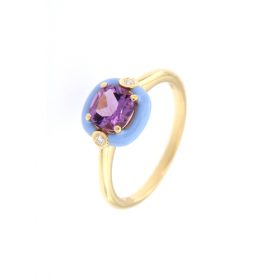
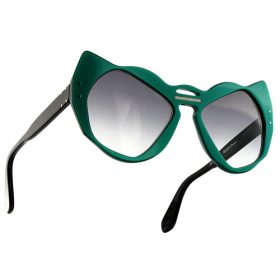
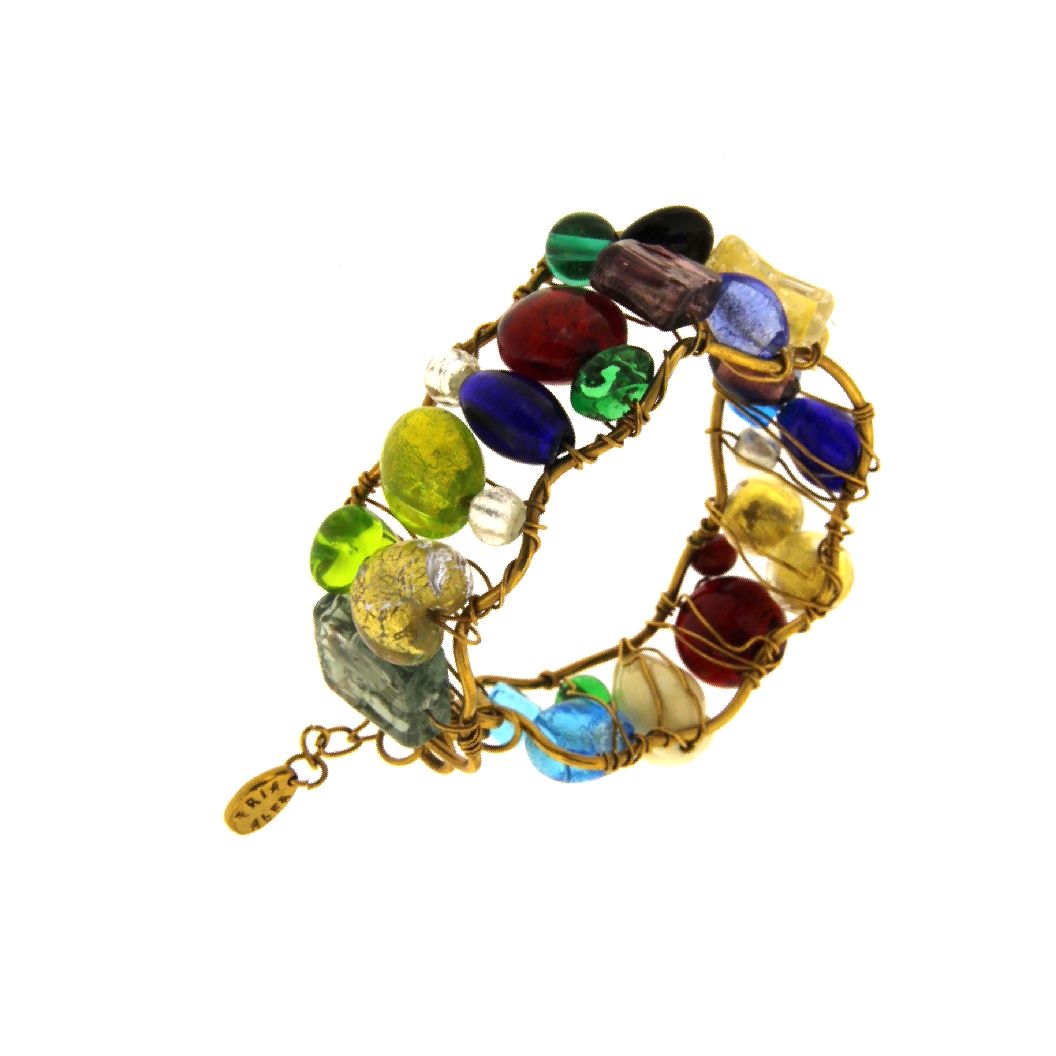
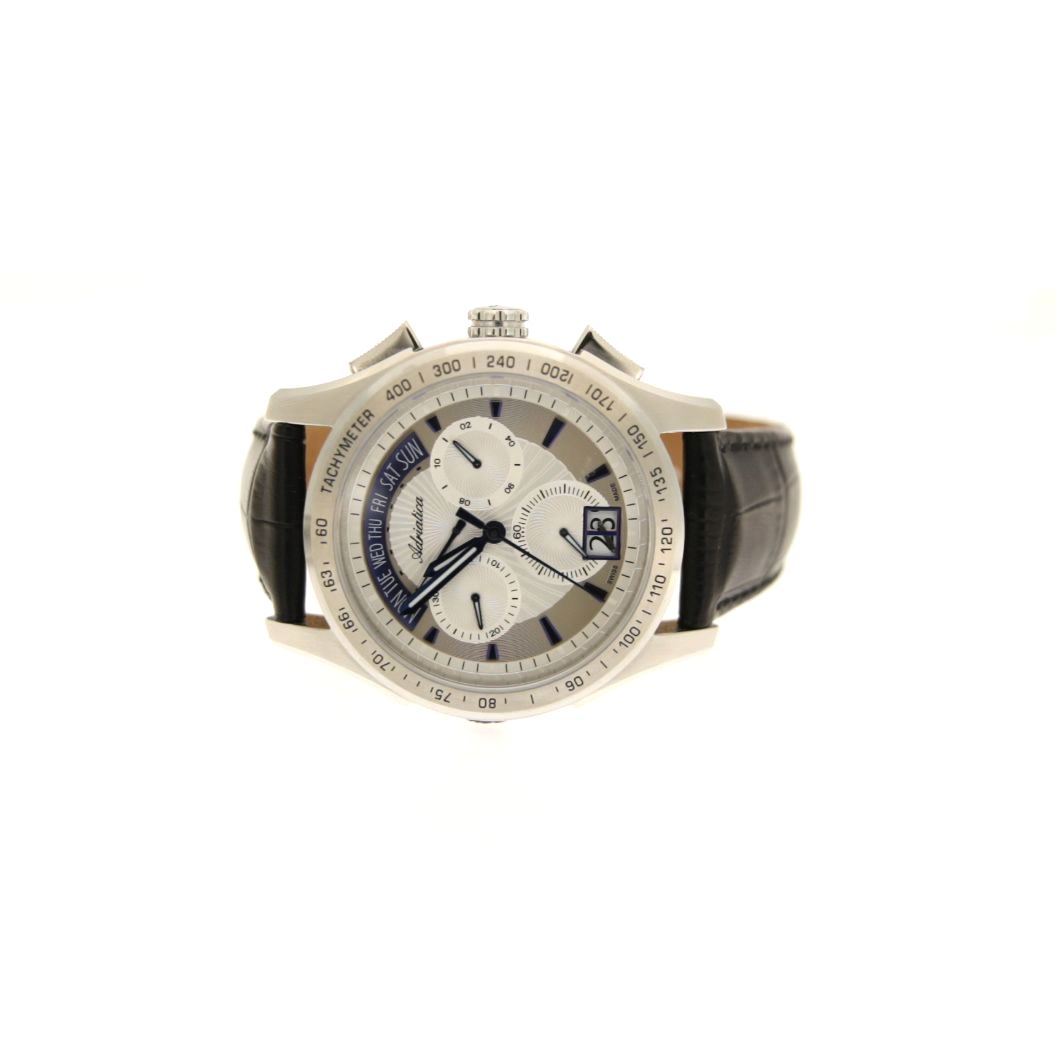
Thanks to remote control of your camera or smartphone (click here to check if your camera can be controlled from a PC), you can take photos directly from your computer and manage the entire shooting process through the software. Images are automatically processed to obtain, with a single click, high-quality jewelry photos on a clean, uniform white background, ready for e-commerce, marketplaces, websites and catalogs.
With the new AI-powered features, you can go beyond traditional product photography. Now you can create images with custom backgrounds and creative settings and showcase your jewelry worn by

your own virtual top model, created and customized by you directly in the software, all in just a few simple clicks.

Become the photographer of your jewelry!

Studio4 Jewels Pro

PHOTOGRAPHIC FEATURES

Set up the camera directly by the computer and watch the camera preview on the software

Create a shadow under the product or double the product and reflect it, as needed for earring photos

Select a 1:1 scale photo cropping area to maintain the information of the real size of the product

Save with one click in all formats you need for using the photo on catalogs, web and other platforms

Measure the product shot with the Studio4 and save the photos with the measures in mm

Place the product in the center of the camera view and in the same position as in a previous photo

Obtain photos with perfect white background (R:255, G:255, B:255) for e-commerce and catalogs

Change the background to transparent or apply a different photo as background to create a collage

Choose multiple focus distances and the software automatically creates a photo all in focus

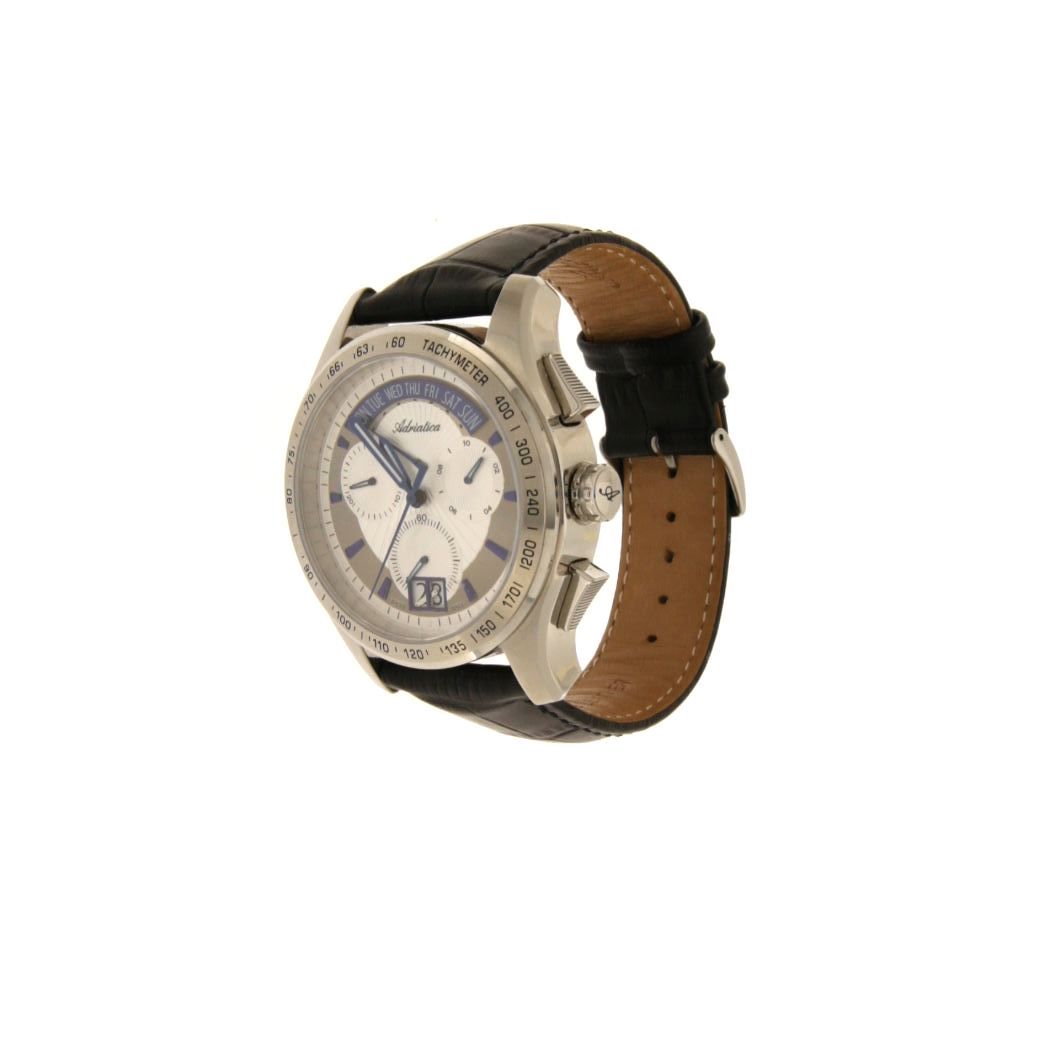
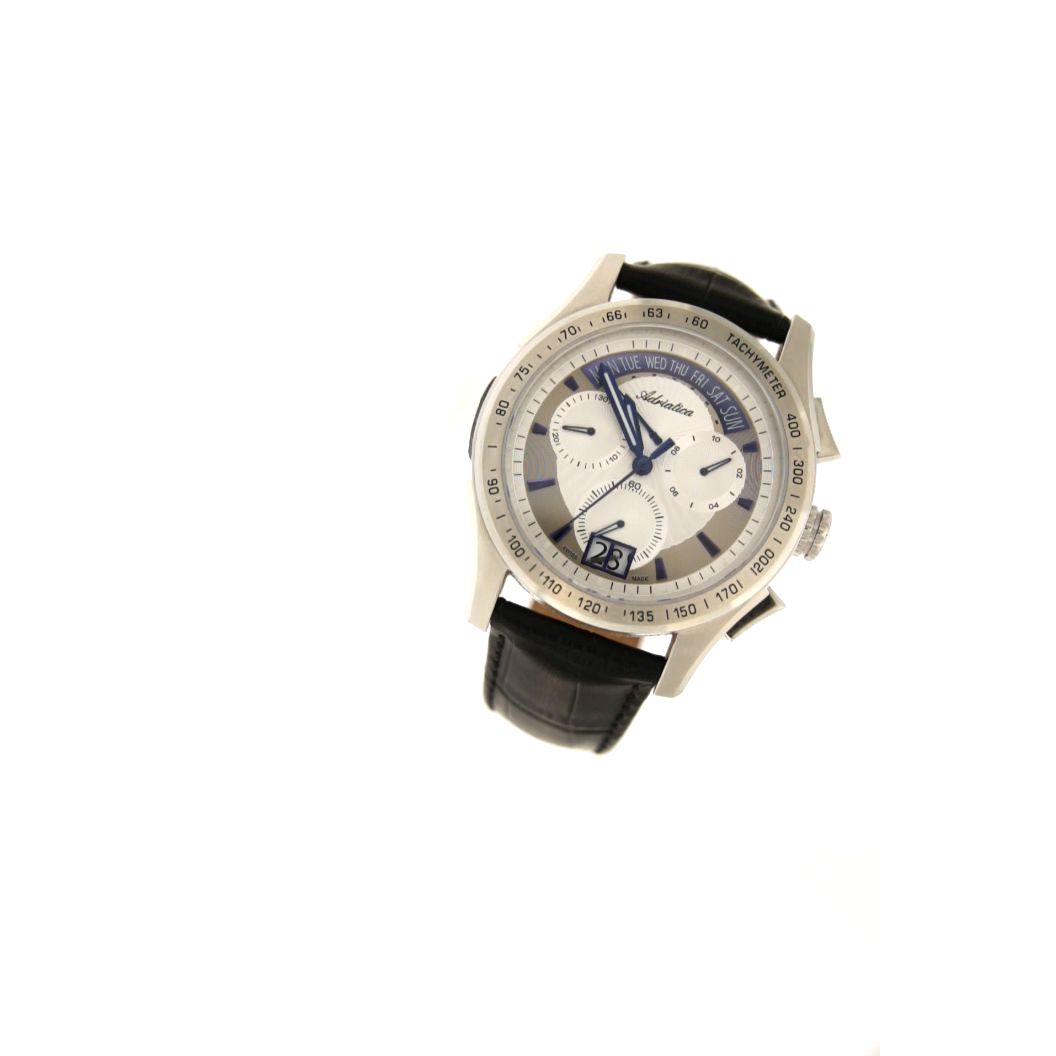
Shoot photos with the product moving on itself to show it from different angles and views

NEW AI CREATIVE FEATURES

Improve the photo by fixing product defects and changing to your preferred background

Improve multiple photos with a click for deleting defects or changing the background

Create your customized top model and all poses that you are going to use for promoting your jewelry

Select the virtual top model, the pose and the product you want to show to receive a realistic result

Improve the photo by fixing product defects and changing to your preferred background

Improve multiple photos with a click for deleting defects or changing the background

Create your customized top model and all poses that you are going to use for promoting your jewelry

Select the virtual top model, the pose and the product you want to show to receive a realistic result

1:1 SCALE PHOTO CROPPING AND MULTI-SAVE

To get photos in 1:1 scale you can use the cropping function from the software and proceed with the multisave that allows you to save the original photo (without any edits), the photo in high resolution (with the edits you made such as background whitening, rotation etc.), the photo resized according to your need. Each of these photos can be saved in a different folder with just one click.

PHOTOGRAPHY IS ONLY THE BEGINNING

The Studio4 Jewels Pro 3D adds to the still-life photo creation the possibility to create dynamic
product videos and interactive 3D animations. Multiple synchronized movements and rotations allow you to showcase jewelry from different angles, highlighting its details and creating engaging
content for e-commerce, social media, catalogs, exhibitions and promotional campaigns.
From the Easy4Pro software it is possible to create videos based on 4 movements:

• rotation of the motorized turntable controlled by the software that makes the product rotate horizontally at 360°
• rotation of the motorized rotating arm controlled by the software that makes the camera rotate vertically at 180°
• rotation of the camera view to show the jewel as if it were worn
• jewel zoom in / zoom out These four movements can also be combined to create complex 3D animations that simulate the rotation of the jewel on the body.

your 360 images
Studio4 Jewels Pro 3D

THIS ANIMATION IS THE RESULT OF THE COMBINATION OF 3 MOVEMENTS:

ROTATING TABLE

A simple 360° horizontal rotation, especially useful for very three-dimensional objects.

your 360 images

CAMERA ROTATION

The camera rotation on itself allows to find the best position of your products, especially in complex animations.

your 360 images

ROTATING ARM

An exclusive rotation of the rotating arm that only Studio4 Jewels Pro 3D can achieve, perfect for watches, bracelets and rings.

your 360 images

ROTATING TABLE

A simple 360° horizontal rotation, especially useful for very three-dimensional objects.

your 360 images

Touch the image to move the object or zoom it

CAMERA ROTATION

The camera rotation on itself allows to find the best position of your products, especially in complex animations.

your 360 images

Touch the image to move the object or zoom it

ROTATING ARM

An exclusive rotation of the rotating arm that only Studio4 Jewels Pro 3D can achieve, perfect for watches, bracelets and rings.

your 360 images

Touch the image to move the object or zoom it

Click on the image to move the object or zoom it using the mouse wheel

VIDEOCATALOGS: FROM PRODUCT TO CONTENT READY TO PUBLISH

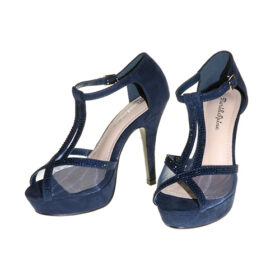
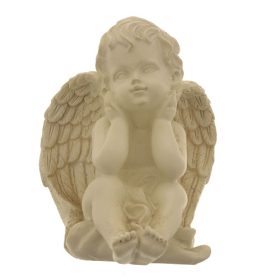
With Easy4Pro 6.0, included with the Studio4 family of systems — Jewels, Eyewear, Shoes & Bags — 3D product footage can be automatically transformed into videocatalogs and reels ready to be published on your social media or displayed through AlsoOnYourPhone exhibition panels.
Products are captured with synchronized movements across multiple axes, combining rotation, tilt and zoom to create dynamic videos that showcase their shapes and details from every angle. The individual videos are then automatically assembled into a continuous vertical loop, enhanced with a customizable background and the brand’s opening and closing content. No editing. No external post-production. From a single shooting session, content ready for social media, e-commerce, trade shows and presentations.

Discover AlsoOnYourPhone: the exhibition panel system for displaying videocatalogs.

AlsoOnYourPhone is a reconfigurable exhibition panel system that displays the physical product alongside digital content and interacts with the customer’s smartphone. Its distinctive link buttons allow visitors to interact with products, information, videos and digital content directly from the panel and continue the experience on their own smartphone.
The system can integrate real products, virtual content, augmented reality, screens and touchscreens, becoming a tool for displaying, presenting, connecting and selling. Ideal for trade shows, showrooms, boutiques, events, retail stores, museums and exhibitions, AlsoOnYourPhone takes content beyond the traditional exhibition space and makes it immediately personal, interactive and portable.
A giant smartphone for displaying, presenting and selling anything: products, services, information and digital content.

BOOK AN ONLINE DEMO WITHOUT OBLIGATION

One of our experts will show you the photographic system and will answer all your questions.
The free demonstration lasts about half an hour.

REQUEST INFORMATION