Italiano
 Deutsch
 Français
 Español
 Studio4 Jewels
 Studio4 Eyewear
 Studio4 Shoes
 Studio4 You
If you sell jewelry, glasses, or accessories and want to promote them on social media professionally, Meta Business Suite is the essential tool to start with. It allows you to create, manage, and monitor advertising campaigns on Facebook and Instagram in one place, giving you complete control over audience, budget, and results. Here’s how to get started.
1. Set Up Your Advertising Infrastructure
First, log into Meta Business Suite and follow these steps:
- Create a Business Manager account, if you haven’t already.
- Connect your Facebook page and business Instagram profile.
- Add a payment method for ads.
- Install the Facebook Pixel on your website: this tool allows you to track what users do after clicking on your ads (e.g., purchases, add to cart, sign-ups).
This initial phase is crucial to measure your campaigns’ effectiveness.
2. Create Your First Ad Campaign
Inside Business Manager, click on “Ads Manager” to start a new campaign. You’ll be asked to provide some key information:
- Campaign objective: choose according to your goal.
- Sales → ideal if you have an e-commerce store and want to generate purchases.
- Traffic → if you simply want to bring visitors to your website.
- Engagement → to increase likes, comments, or views on posts and stories.
Once you’ve selected the objective, move on to creating the ad set, where you’ll:
- Define your audience.
- Choose where to display the ads (Facebook, Instagram, Stories, Reels, etc.).
- Set a daily or total budget.
3. Define Your Audience Precisely
Meta allows you to create different types of audiences:
- Core Audience: manually select criteria like age, gender, interests (e.g., fashion, design, sustainability), and location.
- Lookalike Audience: a “twin” audience based on your best customers. Meta automatically creates it from those who have already purchased or interacted.
- Retargeting: great for reaching people who visited your website or interacted with your content but haven’t purchased yet.
This level of customization is one of the platform’s biggest strengths—use it to the fullest.
4. Create Engaging Content
Next, build your actual ad. Meta Business Suite will ask for:
- Ad format (single image, carousel, video, collection).
- Visuals: upload high-quality images or short videos showing the product being worn or used.
- Copy: write a clear, compelling message with a call to action such as “Shop now” or “Free shipping available.”
Tip: for accessories and fashion, the most effective visual formats are:
- Image carousels to showcase multiple products.
- Reels and short videos to generate more engagement.
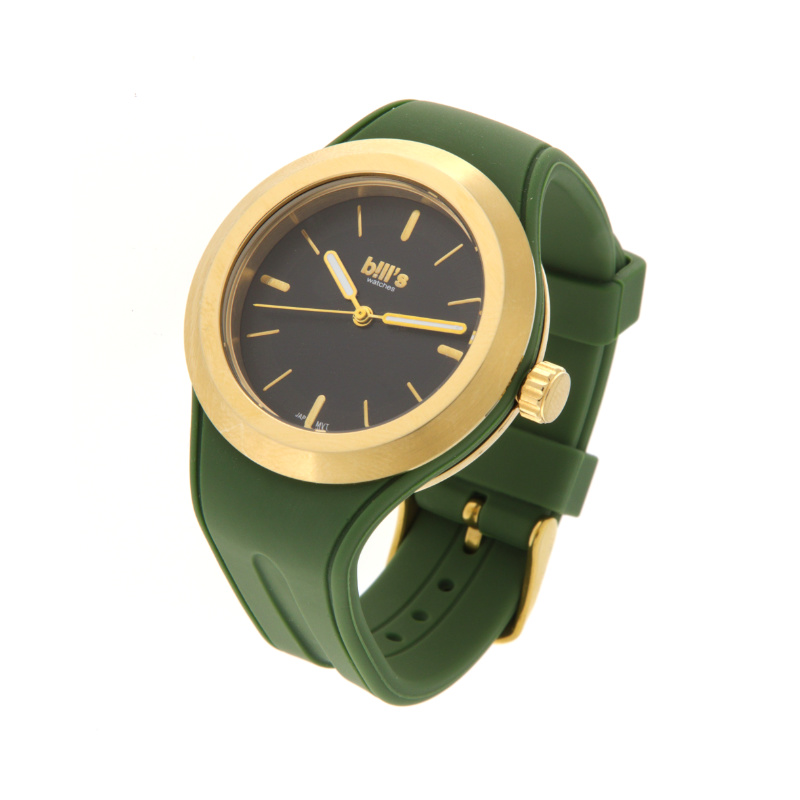
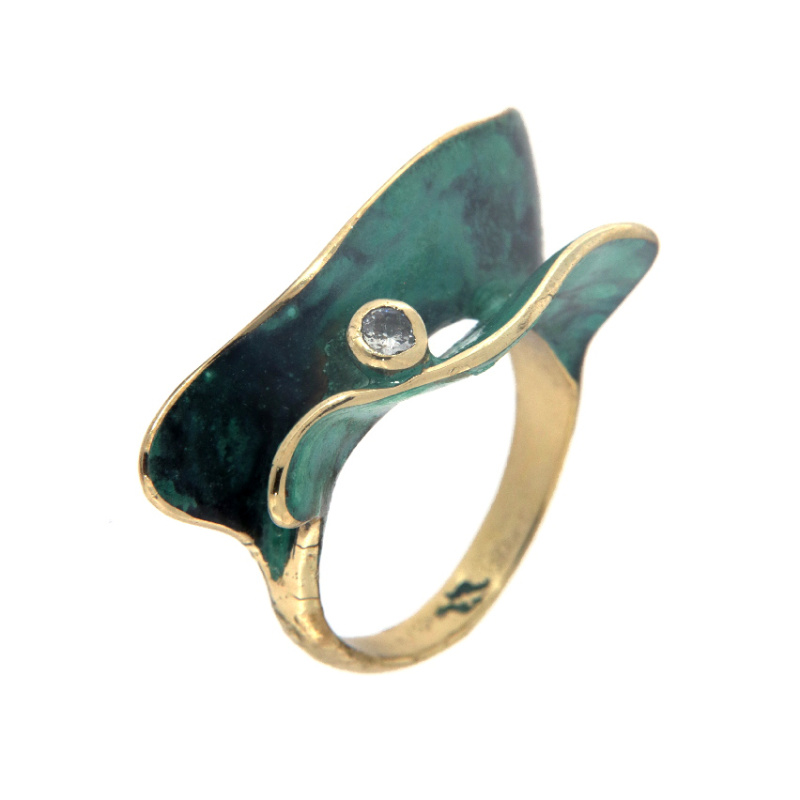
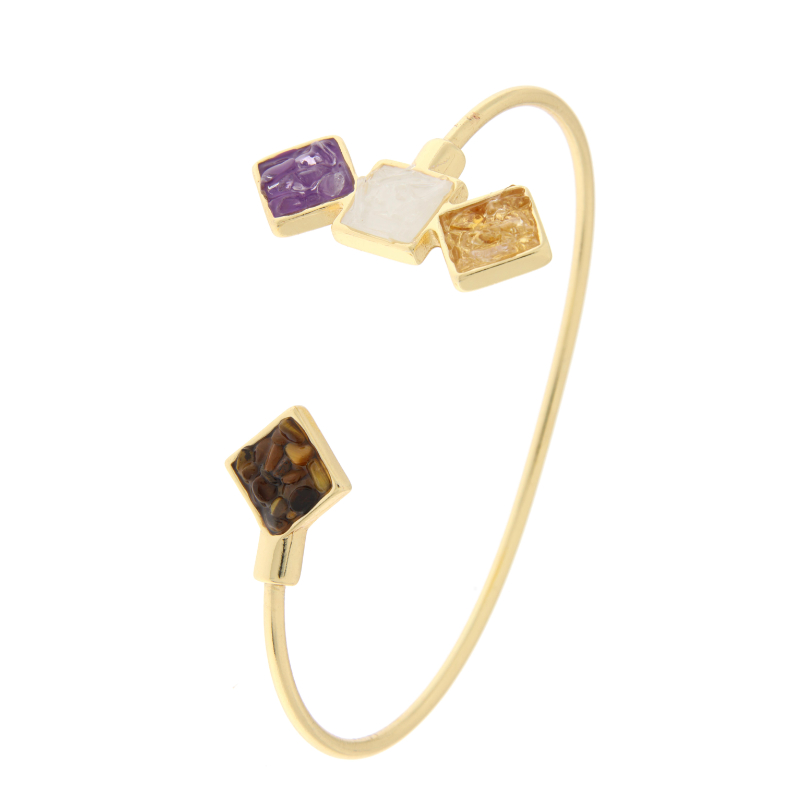
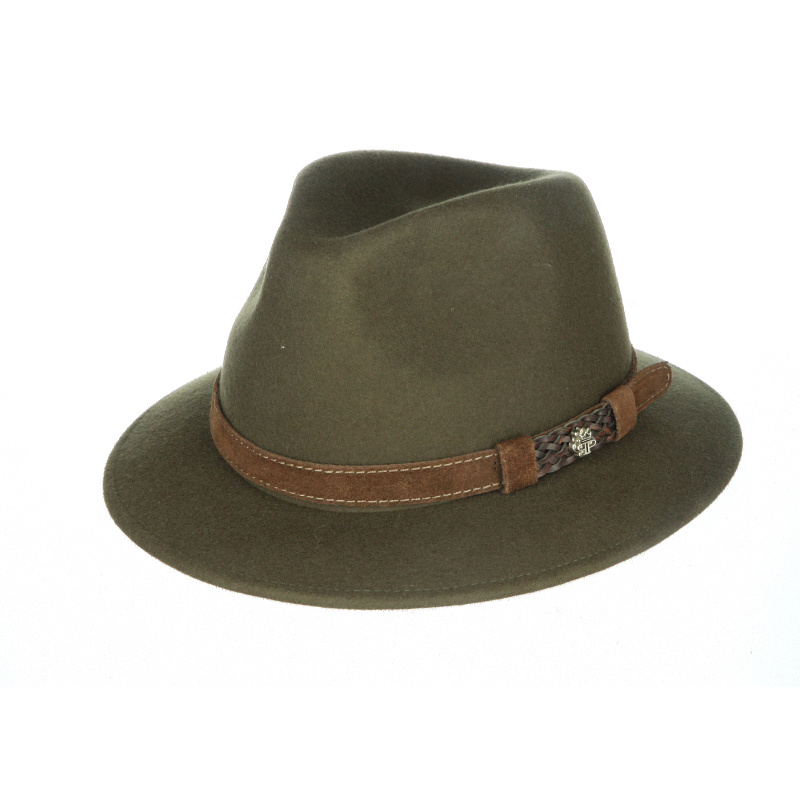
In such a visual industry as accessories, the impact of your images is everything. Make sure to have:
- Professional product photos, both on neutral backgrounds and worn in real-life contexts (lifestyle).
- Short videos, like Reels or Stories, to show your products in motion or as part of a daily routine.
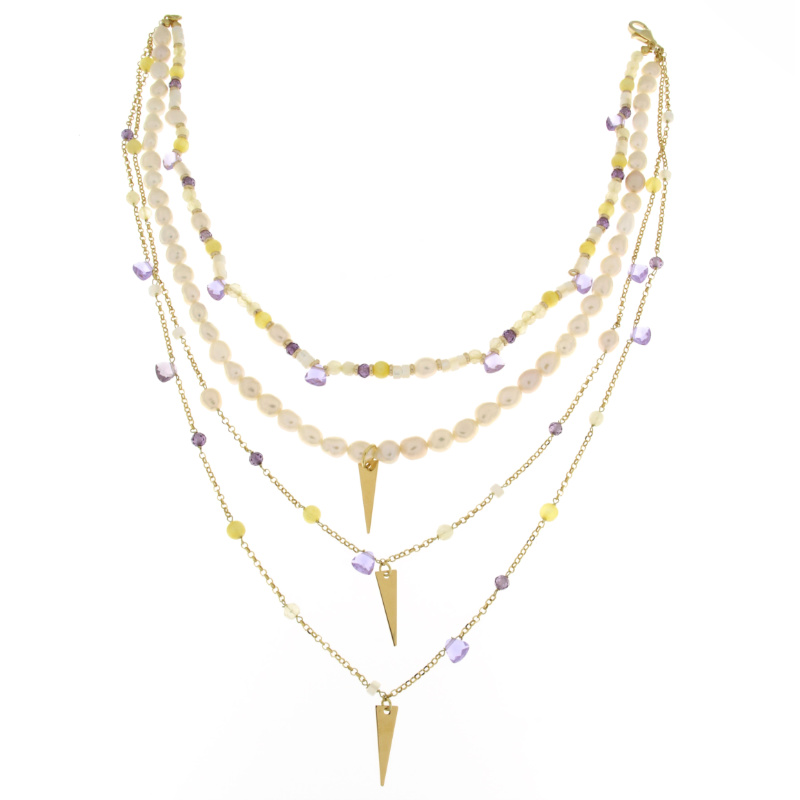
With Studio4 Jewels Pro 3D and Studio4 Eyewear Pro 3D, you can create photos, videos, and 3D animations of your products in just a few minutes, with no photography or video skills required.


5. Track Results and Improve
Once your campaign is live, return to Ads Manager to monitor:
- CTR (Click-through rate): how many people click versus how many see the ad.
- Conversions: how many actually make a purchase or take an action.
- ROAS (Return on Ad Spend): how much you earn for every euro spent.
- Run A/B tests with different visuals and copy to see what performs best, and shift your budget to the top-performing ads.
With Meta Business Suite, you can also activate your Product Catalog to create dynamic ads that automatically show products to users who have already viewed them, and connect your e-commerce to Facebook Shop and Instagram Shop, so customers can buy directly on the platforms.
Meta Business Suite is much more than a tool for “just running ads”—it’s a real command center that, when used correctly, can help you sell your products with precision. Whether you’re launching a new eyewear brand or promoting a handmade jewelry collection, starting with a solid structure and learning to interpret the data will make all the difference.
Contattaci per scoprire come realizzare tutto questo in pochi minuti con lo Studio4 Jewels Pro 3D e Studio4 Eyewear Pro 3D.